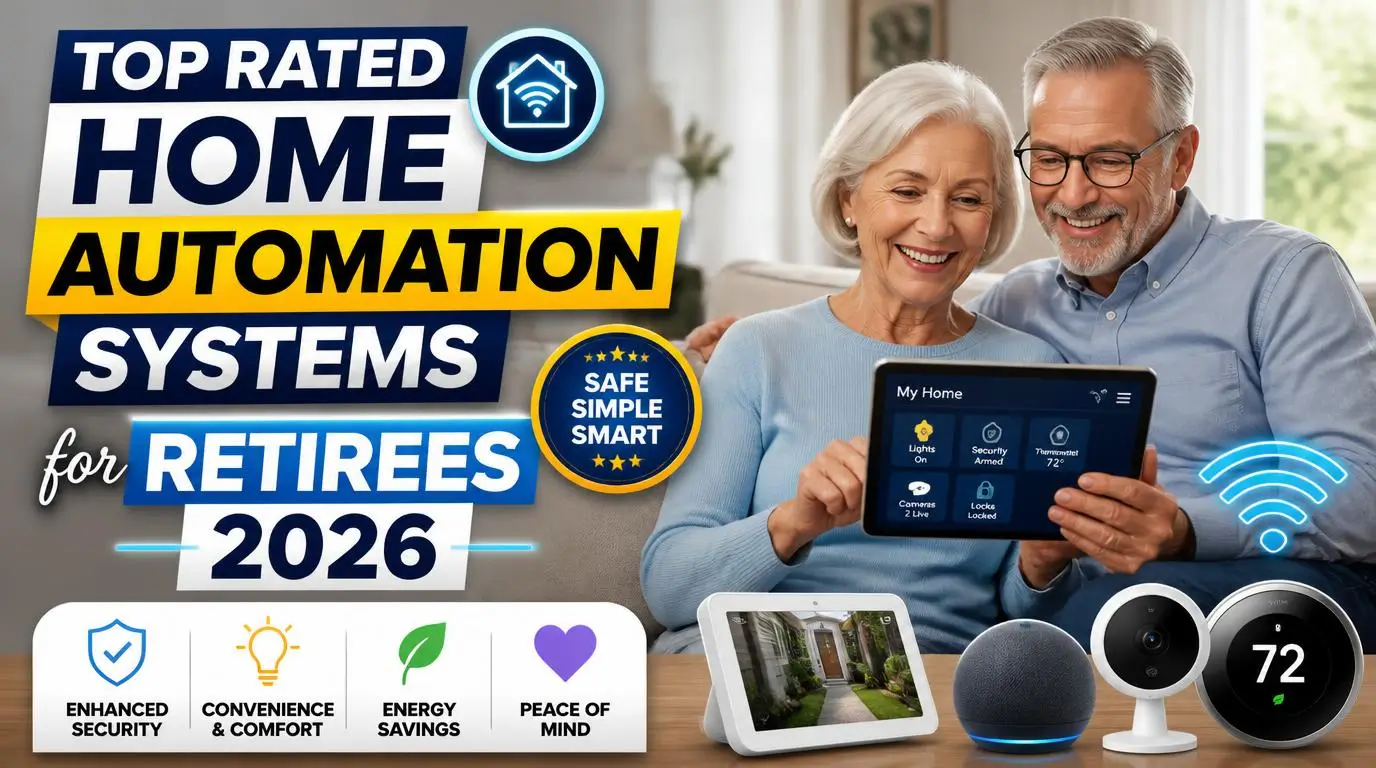
After spending three weekends installing, configuring, and troubleshooting top rated home automation systems for retirees at my parents’ house, I have very strong opinions about what actually works and what just looks good on a product page. My folks are in their early 70s. They’re sharp, active, and curious about technology, but they don’t want to wrestle with confusing apps or tiny buttons. That experience taught me exactly which systems respect a retiree’s time and patience, and which ones don’t.
Why Retirees Actually Benefit From Smart Home Tech
There’s a common assumption that smart home gadgets are for younger, tech-obsessed homeowners. That couldn’t be more wrong. Retirees spend more time at home than almost any other group, and small automations add up fast. Lights that turn on when you walk into a room at 2 a.m. mean fewer stumbles. A video doorbell means you never have to rush to the front door. Voice-controlled thermostats mean no squinting at tiny screens on the wall.
Also Read: Best Business Automation Ideas for First-Time Owners 2026
My mom has mild arthritis in her hands, and turning traditional light switches became genuinely uncomfortable for her. The day I installed smart bulbs she could control with her voice, she looked at me like I’d performed magic. That moment sold me completely. The right system doesn’t just add convenience. It adds safety, independence, and a real sense of control.
What to Look for Before You Buy
Not every smart home ecosystem is built with older adults in mind. Before I recommend specific products, here’s what I’ve learned matters most when choosing a system for retirees.
Ease of setup ranks number one. If the initial configuration requires a computer science degree, it’s out. The best systems walk you through everything on a phone or tablet with large text and clear instructions. Second, look for voice control compatibility. Whether it’s Alexa, Google Assistant, or Siri, voice commands eliminate the need to fumble with apps. Third, consider the ecosystem lock-in. Some brands play nicely with others, while some force you into buying only their products. Flexibility matters because needs change over time.
Reliability is the silent dealbreaker. My dad doesn’t care about fancy features. He cares that the garage door sensor works every single time he asks it to. One glitch and he’s ready to rip the whole system out. So I always prioritize products with strong track records and responsive customer support.
1. Amazon Echo with Alexa: The Easiest Starting Point
If your retiree has never touched a smart device, start here. The Amazon Echo (especially the Echo Show with its screen) is the most forgiving entry point I’ve found. Setup takes about 10 minutes, the voice recognition is excellent even for softer voices, and the compatible device list is enormous.
My parents use their Echo Show 8 for video calls with grandkids, weather updates, medication reminders, and controlling their smart plugs. The screen displays the time in large numbers, which my dad appreciates more than he’ll admit. At around $100 for the Echo Show 8, it’s a low-risk investment. Pair it with a few Alexa-compatible smart plugs from TP-Link Kasa, and you’ve got a functional smart home in under an hour.
2. Google Nest Hub: Best for Visual Learners
Google’s Nest Hub (2nd generation) is a close competitor to Echo, and honestly, it edges ahead for retirees who prefer visual feedback. The touchscreen interface feels more intuitive than Alexa’s, almost like using a tablet. Google Assistant also tends to handle natural, conversational questions better, which matters when someone says “turn on the kitchen light” versus “Alexa, turn on the device named Kitchen Overhead Light One.”
I set up a Nest Hub for my aunt, who’s 68 and had never used any smart device. Within two days she was checking recipes, adjusting her Nest Thermostat, and watching YouTube cooking videos on it without any help from me. The sleep tracking feature using its built-in radar sensor was a bonus she didn’t expect to love. One note: Google’s smart home ecosystem works best if you commit to Nest-branded products for thermostats and cameras.
3. Apple HomeKit: Best for iPhone Users
Here’s where I’ll be honest. Apple HomeKit is my personal favorite ecosystem, but I only recommend it for retirees who already own and comfortably use an iPhone or iPad. If your parent has been an iPhone user for years, HomeKit feels like a natural extension. The Home app is clean, the icons are large, and Siri integration works without downloading extra apps.
My neighbor, a retired teacher, runs her entire home on HomeKit. She controls her Lutron Caseta light switches, an Ecobee thermostat, and a Yale smart lock, all through her iPad or by asking Siri. The setup does require a HomePod Mini (about $99) as a home hub, which adds cost.
And the compatible product list is smaller than Alexa or Google. But the products that do work with HomeKit tend to be premium quality and extremely reliable. If your retiree values simplicity and privacy, this is the ecosystem to pick.
4. SimpliSafe: Best Smart Security for Retirees
Security deserves its own category because it’s the number one reason most retirees even consider smart home tech. SimpliSafe consistently ranks among the top rated home automation systems for retirees specifically because of its approach: no long-term contracts, affordable monitoring plans starting at $17.99 per month, and genuinely simple self-installation.
I installed a SimpliSafe system at my parents’ house in about 45 minutes. The sensors are peel-and-stick. The base station plugs into the wall. The keypad has large, backlit numbers. My parents arm and disarm it daily without issues, and the optional 24/7 professional monitoring gives them peace of mind when they travel.
The mobile app is straightforward, but even without using the app, the physical keypad handles everything. That offline usability is a huge win for retirees who don’t want to depend on a phone for security.
5. Ring Alarm and Video Doorbell: Best Doorbell-First System
Ring became a household name for a reason. The Video Doorbell (starting around $100) shows you who’s at the door without getting up, and you can talk to visitors through the speaker. For retirees with mobility challenges, this single device can be life-changing.
My parents pair their Ring Video Doorbell with an Echo Show, so when someone rings the bell, the video automatically appears on their kitchen screen. No phone needed. The Ring Alarm system integrates seamlessly if you want to expand into full home security, with motion sensors, contact sensors, and a panic button. Ring does push its subscription plan ($20/month for Ring Protect Pro) for video storage and professional monitoring, which can feel a bit aggressive. But even without the subscription, the live video doorbell feed works perfectly.
6. Lutron Caseta Smart Lighting: Best Light Switches
Smart bulbs are fine, but smart switches are better for retirees. Why? Because a smart bulb stops working if someone flips the physical switch off, and old habits die hard. Lutron Caseta replaces the wall switch itself, so the lights respond to both physical presses and voice commands. No confusion.
The Caseta switches have a clean, simple design with actual buttons, not touch panels. My dad can walk into a room and press the switch like he always has, or he can ask Alexa to turn it off from the couch. Installation requires basic wiring knowledge (or an electrician’s help for about $50 to $75 per switch), and the Lutron Smart Bridge hub is required. But once it’s running, the reliability is rock solid. I installed these two years ago at my parents’ house, and we haven’t had a single failure. Not one.
7. Ecobee Smart Thermostat: Best Temperature Control
Retirees often have different temperature needs in different rooms, and the Ecobee handles this brilliantly with its included room sensors. Place a wireless sensor in the bedroom and another in the living room, and the Ecobee balances the temperature based on where someone actually is, not just where the thermostat sits on the wall.
The touchscreen is responsive and readable, and it works with Alexa, Google, and HomeKit. My parents used to argue constantly about whether the house was too warm or too cold. The room sensors basically ended that debate. The Ecobee Premium runs about $250, which is steep, but the energy savings typically pay for it within two heating and cooling seasons. It also has a built-in air quality monitor and Alexa speaker, though my parents ignore both of those features entirely.
How to Choose Between These Top Rated Home Automation Systems for Retirees
Picking the right system comes down to three questions. First, what problem are you actually solving? If it’s security, start with SimpliSafe or Ring. If it’s daily convenience, start with a smart speaker and a few smart plugs. Second, what devices does the retiree already own? An iPhone user will feel at home with Apple HomeKit. An Android user or someone without strong preferences should lean toward Alexa or Google.
Third, who handles tech support? This is the question nobody talks about but everyone should. If you live nearby, you can troubleshoot in person, which opens up more complex setups. If you’re across the country, stick with the most reliable and user-friendly options, even if they’re slightly less feature-rich. IMO, a system that works 100% of the time beats a fancier system that needs occasional fixing.
Mistakes I Made (So You Don’t Have To)
I made the classic mistake of over-automating my parents’ house on the first pass. I installed smart plugs on lamps, smart switches in every room, automated blinds, and a smart lock, all in one weekend. My mom called me Monday morning, frustrated because she couldn’t remember which app controlled which device. I spent the following weekend stripping half of it out.
Start with one or two devices. Let the retiree get comfortable over a few weeks. Then add one more thing. Slow rollout beats a big bang installation every single time. I also learned to label everything clearly. I used a label maker to put small tags on each smart plug: “Living Room Lamp,” “Bedroom Fan.” It sounds old-school, but it works.
Frequently Asked Questions
What is the easiest smart home system for someone over 65?
Amazon Echo with Alexa is the most forgiving starting point for older adults. Voice commands require zero technical skill, setup takes minutes, and the compatible device list is massive. Pair it with one or two smart plugs and you have a working smart home before lunch. The Echo Show adds a visual screen that makes everything more intuitive.
Are top rated home automation systems for retirees expensive to maintain?
Most systems have minimal ongoing costs. Smart speakers, switches, and plugs have no monthly fees. Security systems like SimpliSafe and Ring do charge for professional monitoring, typically $18 to $20 per month. Wi-Fi costs nothing extra if you already have internet. The biggest ongoing expense is usually replacing batteries in wireless sensors, which only happens once or twice a year.
Can smart home devices help retirees age in place?
Absolutely. Smart lighting prevents falls at night. Video doorbells eliminate rushing to the door. Voice assistants set medication reminders and make emergency calls. Motion sensors can alert family members if there’s unusual inactivity. These small automations add up to a genuinely safer home and give families real peace of mind about their loved ones living independently.
Do I need strong Wi-Fi for a smart home?
You need reliable Wi-Fi, not necessarily blazing fast speeds. Most smart devices use very little bandwidth. The bigger concern is coverage. If the Wi-Fi signal is weak in certain rooms, devices in those areas will drop offline. A mesh Wi-Fi system like Google Nest WiFi or Eero solves this problem for around $150 to $200 and is worth every penny.
What if a retiree doesn’t own a smartphone?
A smart speaker with a screen like the Echo Show or Google Nest Hub can handle most tasks without a phone. You’ll need a phone for initial setup and occasional updates, but a family member or friend can handle that. Day-to-day use relies on voice commands and the touchscreen, not a mobile app.
Conclusion
Getting my parents set up with smart home tech turned into one of the most rewarding projects I’ve done for them. The right system doesn’t need to be complicated or expensive, it just needs to work every time without making anyone feel frustrated or overwhelmed. What’s the first smart device you’d install for your parents?