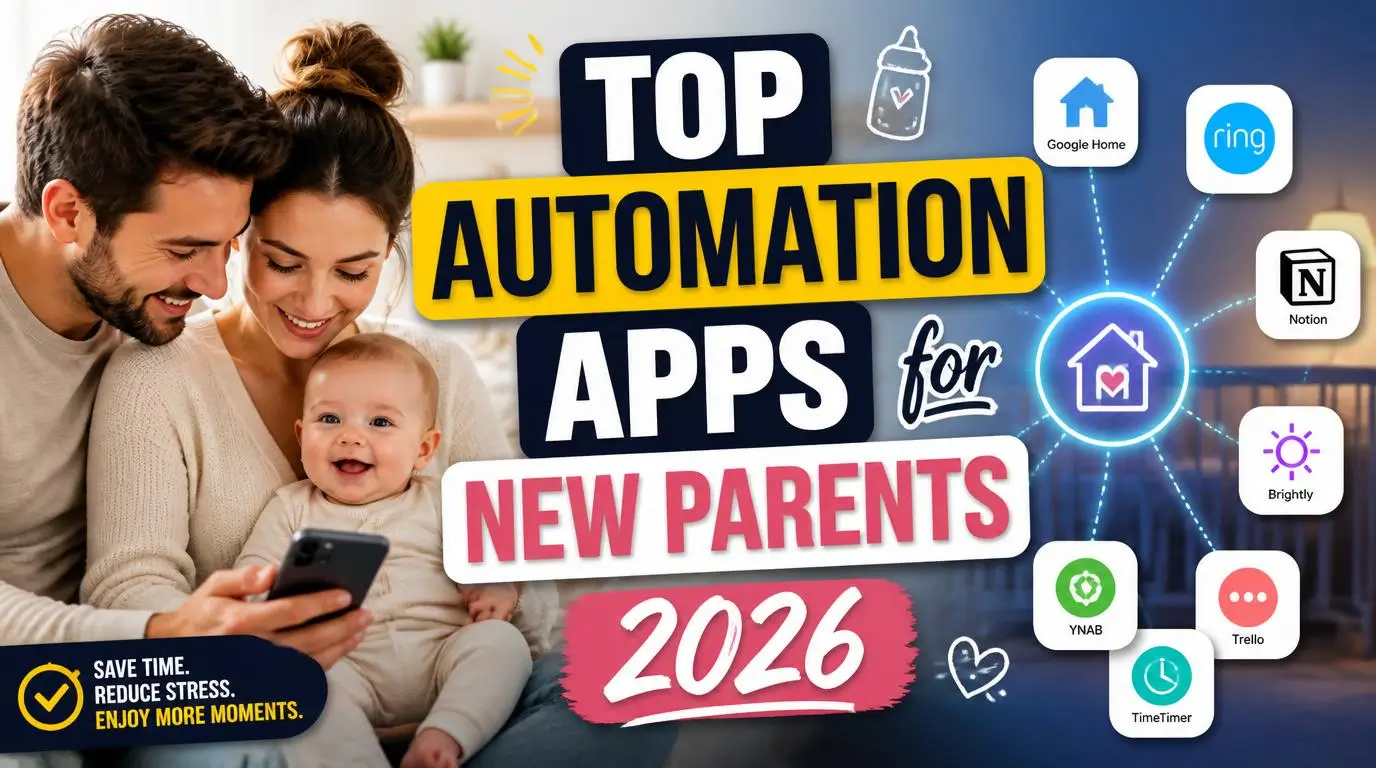
When I started searching for the top automation apps for new parents, my son was three weeks old and I hadn’t slept more than two consecutive hours in days. My wife and I were drowning in feeding logs, grocery orders we kept forgetting, and bills slipping past due dates. Something had to give, and it wasn’t going to be the baby. So I turned to my phone and started automating everything I possibly could.
Why Automation Matters When You Have a Newborn
Nobody warns you about the mental load. Sure, people joke about dirty diapers and sleepless nights, but the real killer is the sheer volume of small tasks that pile up when a tiny human takes over your life. Pediatrician appointments need scheduling. Formula needs reordering. Thank-you notes for baby gifts sit in a growing pile of guilt on your counter.
Your brain is already running at 10% capacity on broken sleep. Every decision you can remove from your plate gives you back a sliver of sanity. That’s why automation isn’t some luxury productivity hack for new parents. It’s survival. I started small, just automating our grocery list, and within a month I had a whole system running in the background that genuinely kept our household from falling apart.
1. IFTTT (If This Then That)
IFTTT became the backbone of my entire automation setup. The concept is simple: when one thing happens, another thing happens automatically. You connect apps and devices using “applets” that trigger actions without you lifting a finger.
I set up an applet that added items to our shared grocery list every time my wife or I said a specific phrase to Alexa. Another one automatically saved every photo I took of the baby into a shared Google Photos album. The free plan covers most basic needs, and the pro version at around $3.49 per month opens up multi-step automations. For parents juggling a hundred micro-tasks, IFTTT handles the ones you keep forgetting.
2. Zapier
Zapier works similarly to IFTTT but shines when you need more complex workflows. I used it primarily for work-related automations during my paternity leave, but plenty of its features bleed into parenting life beautifully.
Also Read: Quick Automation Ideas for People Short on Time 2026
One “Zap” I built automatically forwarded any email containing the word “pediatrician” or “appointment” to both my wife and me, then created a Google Calendar event with the details. Another one tracked our baby-related Amazon orders in a spreadsheet so we could see exactly how much we were spending on diapers each month (spoiler: too much). The free tier gives you 100 tasks per month, which is enough for most new parents getting started.
3. Alexa Routines (or Google Home Routines)
If you own a smart speaker, you’re sitting on one of the most powerful automation tools for parents and probably not using it to its full potential. Alexa Routines let you chain multiple actions together with a single voice command or a scheduled trigger.
Our “bedtime routine” command dimmed the nursery lights to 10%, started a white noise playlist on Spotify, and set a reminder for the next feeding time. Our “good morning” routine turned on the kitchen lights, read the weather, and started the coffee maker (smart plug, best $12 I ever spent). When your hands are full of baby, your voice becomes your most useful tool. Set these up once during a rare quiet moment and they run every single day without another thought.
4. Cozi Family Organizer
Cozi isn’t flashy, but it’s the app that kept my marriage intact during the newborn phase. It’s a shared family calendar, to-do list, and shopping list rolled into one. The automation angle comes from its ability to sync schedules and send automatic reminders to both parents.
I added every well-baby visit, vaccination date, and recurring task (like washing pump parts) to the shared calendar. Cozi sent us both push notifications so neither of us could claim “I didn’t know about that.” The shopping list syncs in real time, so when my wife added diaper cream from the nursery, it appeared on my phone while I stood in the Target aisle. Free to use, no reason not to have it.
5. Amazon Subscribe & Save
This one technically isn’t an “app” in the traditional sense, but I’m including it because it automated the single most annoying recurring task of early parenthood: buying diapers, wipes, formula, and all the other consumables that vanish at an alarming rate.
I set up Subscribe & Save for diapers (size up every two months, I learned the hard way), baby wipes, laundry detergent for baby clothes, and diaper cream. Everything arrived on a predictable schedule, usually at a 5% to 15% discount. The mental relief of never having to think “do we have enough wipes?” at 11 PM was worth more than the money saved. You can pause, skip, or cancel anytime, so there’s no real commitment.
6. Todoist with Recurring Tasks
Todoist became my external brain. When you’re sleep-deprived, you forget things constantly. Important things. Like calling the insurance company about adding the baby to your plan, or mailing the birth certificate application.
I created a project called “Baby Admin” and loaded it with every task I could think of, then set recurring reminders for the ongoing ones. “Sterilize bottles” popped up every evening. “Order formula” appeared every two weeks. “Schedule next pediatrician visit” showed up monthly. The natural language input is fantastic. You just type “every Tuesday at 8pm” and it creates the recurrence automatically. The free plan supports up to 5 projects with basic features, which covers most parenting needs.
7. Shortcuts (iOS) or Tasker (Android)
Your phone’s built-in automation tools are wildly underrated. Apple’s Shortcuts app and Android’s Tasker let you build custom automations that run directly on your device without needing a third-party service.
I built a Shortcut called “Baby Log” that, with one tap, timestamped the current time, asked me to select “feed,” “diaper,” or “nap,” and logged it all to a shared Apple Note. Took me ten minutes to set up. Saved me from fumbling with a dedicated tracking app at 3 AM while half-asleep. Another Shortcut automatically turned on Do Not Disturb and dimmed my screen brightness when I opened my white noise app. Tasker on Android can do even more, though the learning curve is steeper.
8. Instacart Scheduled Deliveries
Grocery shopping with a newborn ranges from “mildly stressful” to “absolutely not happening.” Instacart lets you schedule recurring grocery deliveries, and the Instacart+ membership ($99/year) waives delivery fees on orders over $35.
We set a weekly delivery for every Sunday morning with our staple items already saved in a list. Throughout the week, we’d add anything extra we needed. Sunday morning, the groceries showed up at our door. No loading a car seat, no pushing a cart one-handed, no meltdowns in the checkout line. This single automation probably saved us 3 hours per week when you factor in the drive, shopping, and loading everything into the house with a baby in tow.
9. Huckleberry Baby Tracker
Huckleberry deserves a spot among the top automation apps for new parents because it takes the data you log and actually does something useful with it. You track feeds, diapers, and sleep, and the app’s SweetSpot prediction tells you the optimal time to put your baby down for the next nap.
We started using it around week six, and the nap predictions were eerily accurate. Instead of guessing whether our son was tired or just fussy, we followed Huckleberry’s window and had him asleep within minutes most days. The free version covers tracking, and the premium plan ($10/month) adds personalized sleep plans built by pediatric sleep consultants. Even just the free tracking saved us from keeping a handwritten log on the kitchen counter like it was 1997.
10. Yummly for Meal Planning
Cooking real meals feels impossible with a newborn, but eating takeout every night gets expensive fast. Yummly automates meal planning by learning your taste preferences and suggesting recipes, then generating a grocery list from the ones you pick.
I spent 15 minutes on Sunday picking five simple recipes (anything with “30 minutes or less” and “one pot” in the title). Yummly created the shopping list, which I sent straight to Instacart. Dinner was handled for the week without a single moment of standing in front of the fridge wondering what to make. The app is free and connects to smart displays if you want hands-free recipe steps while cooking with one hand.
How I Combined These Apps Into One System
Using these apps individually is helpful. Using them together is where the real magic happens. Here’s what my actual weekly system looked like by month two of parenthood.
Huckleberry tracked all baby data. Todoist reminded me of every recurring task. Cozi kept my wife and me on the same calendar. IFTTT connected our Alexa commands to shopping lists. Instacart delivered groceries based on what Yummly planned. Amazon Subscribe & Save handled all the consumables. And Alexa Routines managed our daily home automations from morning coffee to bedtime white noise.
None of this took more than a few hours to set up total, spread across a couple of weekends. The payoff was immediate and compounding. Every week, I spent less time on logistics and more time actually being present with my kid.
Frequently Asked Questions
Are automation apps safe to use around babies?
Absolutely. These apps run on your phone or smart devices and don’t interact physically with your baby at all. They handle logistics like scheduling, shopping, and reminders. Always research any smart home device separately for safety certifications, but the apps themselves pose zero risk to your child. They just make your daily life run smoother.
Which automation apps for new parents are completely free?
IFTTT (basic plan), Cozi, Huckleberry (free tier), Yummly, Apple Shortcuts, and Alexa/Google Routines all cost nothing. Todoist’s free plan works for most parents too. You can build a solid automation system without spending a dime. The paid upgrades add convenience but aren’t necessary to get started and see real time savings.
How much time can these apps realistically save each week?
From my own experience, I saved roughly 5 to 7 hours per week once everything was set up. Grocery automation alone saved 3 hours. Recurring task reminders eliminated the mental energy of remembering dozens of small things. Your savings depend on how many tasks you automate, but even setting up two or three of these apps makes a noticeable difference.
Do I need to be tech-savvy to set these up?
Not at all. Most of these apps walk you through setup with step-by-step prompts. IFTTT and Cozi are especially beginner-friendly. Tasker on Android has a steeper learning curve, but Apple Shortcuts uses a visual drag-and-drop builder that anyone can figure out. If you can order something on Amazon, you can set up these automations.
Can both parents use these apps together?
Yes, and that’s honestly the whole point. Cozi, Todoist, and Huckleberry all support shared accounts or collaborative projects. Google and Alexa Routines work household-wide. When both parents have access to the same system, you stop duplicating efforts and miscommunicating about who was supposed to do what. It’s a relationship saver as much as a time saver.
Conclusion
Parenting a newborn is relentless, but it doesn’t have to be chaotic. These apps gave me back hours I didn’t think existed, and most of them cost absolutely nothing. What’s the one daily task you’d automate first if you could?